How to Accept Recurring Payments Without Building a Complex Billing System


Recurring payments automatically charge a payer on the schedule you set. They work well for memberships, retainers, tuition, donations, service plans, rent, subscriptions, and installment programs.
Many businesses delay offering them because they assume recurring billing means custom software, developer time, and a complicated finance workflow. It does not. With a branded payment form, clear billing terms, and a platform that handles the repeat work, you can launch a reliable recurring-payment process without building billing infrastructure from scratch.
Start With a Clear Recurring Offer
Before creating a payment form, decide exactly what the recurring payment represents. A strong offer answers a few practical questions:
- What does the payer receive?
- How much will they pay?
- How often will they be charged?
- When will the first payment occur?
- Does the plan end after a set number of payments, or continue until canceled?
- What is the cancellation or refund policy?
The payment setup should reflect the real customer agreement. A monthly membership might renew until the customer cancels. A coaching package may be six fixed monthly installments. A nonprofit may let supporters choose both the amount and frequency of a recurring gift.
Choose the structure that matches the economics of the offer. Use an open-ended plan when the customer receives ongoing value; use a fixed installment plan when there is a defined purchase or program end date. An upfront charge plus recurring payments can work well when onboarding, setup, or a deposit creates a real cost before the service begins.
Use a Payment Platform Instead of Building Your Own
Building a billing system means taking on more than checkout. You need to manage recurring charge schedules, receipts, failed payments, billing changes, customer records, reporting, and payment-security requirements.
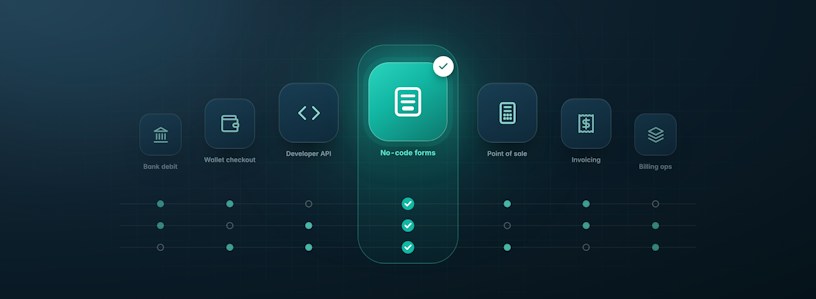
With MoonClerk, you can connect Stripe, create a branded payment form, choose a billing schedule, and publish the form as a link or embed it on your website. The payer completes checkout once; MoonClerk runs the recurring plan according to the billing rules you set.
That gives a small team a practical route to recurring revenue without asking developers to maintain billing logic or asking operations staff to recreate the same collection process every month.
Choose a Billing Schedule That Matches Your Business
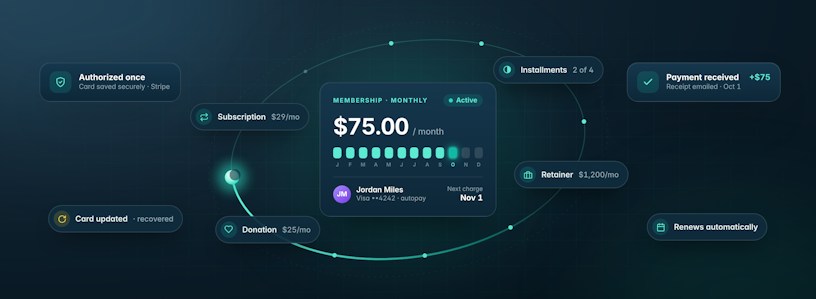
Recurring payments are not limited to a monthly subscription. MoonClerk supports weekly, monthly, quarterly, annual, and custom billing cadences, plus trials, setup fees, coupons, and plans with fixed or open-ended durations.
Here are common ways to structure a recurring payment plan:
| Billing structure | Best fit | Business consideration |
|---|---|---|
| Monthly recurring plan | Membership dues, retainers, software access, maintenance plans | Use when value is delivered continuously and cancellation should be straightforward. |
| Quarterly or annual plan | Professional associations, annual programs, premium services | Use when customers get a clear benefit, such as a discount, for paying less often. |
| Installment plan | Course tuition, coaching, large purchases, payment plans | Set the number of payments and the end date clearly so the plan does not resemble an open-ended subscription. |
| Trial followed by recurring billing | Memberships or services that need a low-friction start | Show the first paid charge date and price before checkout. |
| Upfront charge plus recurring payments | Deposits, setup fees, onboarding, rental programs | Use only when the upfront work or cost is clear to the payer. |
| Custom interval | Programs billed every two weeks or every six weeks | Use a schedule that matches delivery, rather than forcing the offer into a monthly model. |
Create a Branded Payment Form
Your payment form is the point where an interested customer becomes an active payer. It should make the offer, payment timing, and next step easy to understand.
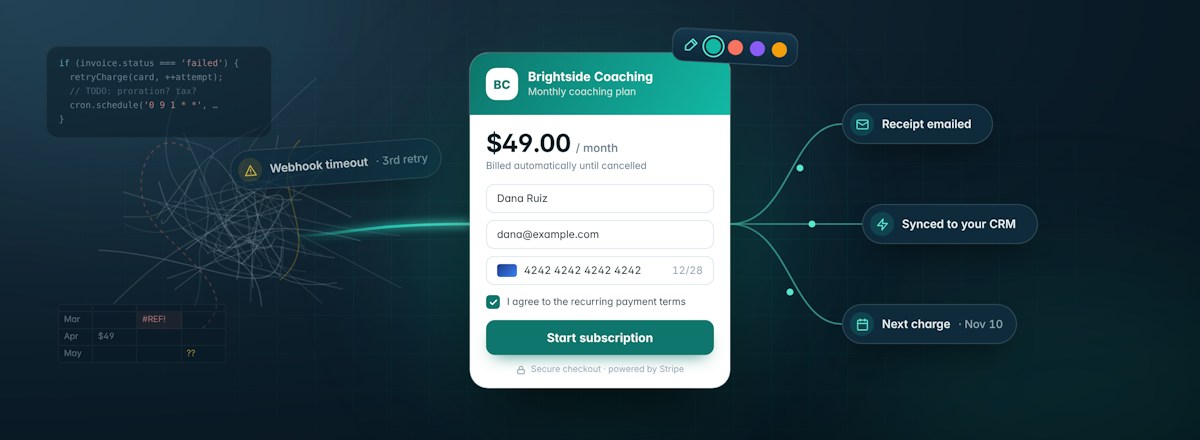
MoonClerk lets you add your logo, colors, form fields, payment descriptions, and terms. You can embed the form on your website, share it as a direct link, include it in an email campaign, or use it as part of an onboarding flow. Explore MoonClerk's payment-form and checkout features for more detail.
Keep the form focused. Ask only for the information required to deliver the service, support the customer, and manage the billing relationship. Extra fields add friction, particularly for a straightforward membership or recurring service.
State the amount and cadence in plain language. "$49 per month, billed automatically until canceled" is clearer than a product name with no billing context.
Make the Terms Visible Before Checkout
Customers should know exactly what will happen before they submit payment. Include a short, clear explanation of:
- The recurring amount
- The billing frequency
- The first charge date
- The plan duration, if applicable
- Any upfront fee or deposit
- How to cancel or update payment details
- Where to get billing support
MoonClerk forms can require payers to agree to your terms before checkout. That creates a clear moment for the customer to review the agreement and helps your business avoid preventable billing questions later.
If a plan has a fixed duration, say so. If recurring payments continue until cancellation, say that directly. If a trial converts into paid billing, make the start date and post-trial amount easy to find.
Automate the Work That Repeats Every Month
The operational value of recurring payments is not simply automatic collection. It is the work your team no longer has to repeat after every charge.
MoonClerk can automate recurring charges, receipts, reminders, and failed-payment follow-up. Its automation tools can also send payment events to the systems your business already uses through Zapier, webhooks, and integrations.
That can support workflows such as:
- Add a new payer to your CRM after checkout
- Send a welcome email when a plan starts
- Notify your team when a payment fails
- Update an internal spreadsheet or accounting workflow after a successful charge
- Tag a contact when a recurring plan is canceled
Start with the workflows that remove actual admin time or reduce avoidable revenue leakage. For many smaller teams, automatic receipts, failed-payment alerts, and a welcome message are enough to create a meaningful improvement.
Give Customers Control Over Their Billing
A recurring plan should be convenient after checkout, too. Customers may need to update an expired card, change their payment amount or frequency, pause billing, or cancel.
MoonClerk's payer portal lets customers update their card without a password, and you decide what else they can do there: pause and resume, cancel, or change their amount or frequency. This reduces routine support requests while giving customers a clear way to manage their billing relationship.
Self-service does not replace support. Make it easy to contact a real person when an exception requires judgment, especially when a billing issue could determine whether a customer stays.
Plan for Failed Payments
No recurring-payment system eliminates failed charges. Cards expire, banks decline transactions, and customers sometimes need to update their information. The important question is what happens next.
MoonClerk supports failed-payment retries and payer follow-up, reducing the manual work involved in recovering a payment. Set a process that gives customers a clear reminder and a secure path to update their payment details instead of relying on your team to chase every decline.
Your internal policy should answer:
- How many times will a payment be retried?
- When should a customer receive a reminder?
- When will a team member follow up?
- Will access or service pause after a certain point?
- How should exceptions be documented?
A consistent recovery process protects the customer relationship and gives your team a better chance of recovering revenue that would otherwise be lost to an expired card or temporary decline.
Launch With One Supported Process
Start with one form, one clear plan, and the automations your team will genuinely use. Review active plans, failed payments, cancellations, refunds, and revenue by program on a regular cadence. A small operation may need a weekly review; a higher-volume business may need daily visibility.
Add more complexity only when the offer or customer need justifies it. MoonClerk can support multiple pricing options, free trials, setup fees, coupons, installment plans, custom intervals, and integrations, but a simple plan that customers understand and your team can support is usually the stronger starting point.
Accept Recurring Payments Without the Heavy Lift
Recurring billing should reduce collection work, not create a technical project. With MoonClerk, you can create a branded payment form, set billing rules that match your offer, and automate the operational follow-up around each payment.
Customers get a clear way to enroll and manage their plan. Your team gets less manual payment administration and a more dependable process for recurring revenue.
Explore MoonClerk pricing to see how you can start accepting recurring payments without building your own billing system.